
Catch every visual regression before your users do.
Visual Testing Studio captures screenshots across browsers, devices and viewports, compares them against approved baselines, and flags pixel-level differences, so UI regressions never reach production.
- Any
- browser and device
- Pixel
- level diffing
- PDF/CI
- ready reports
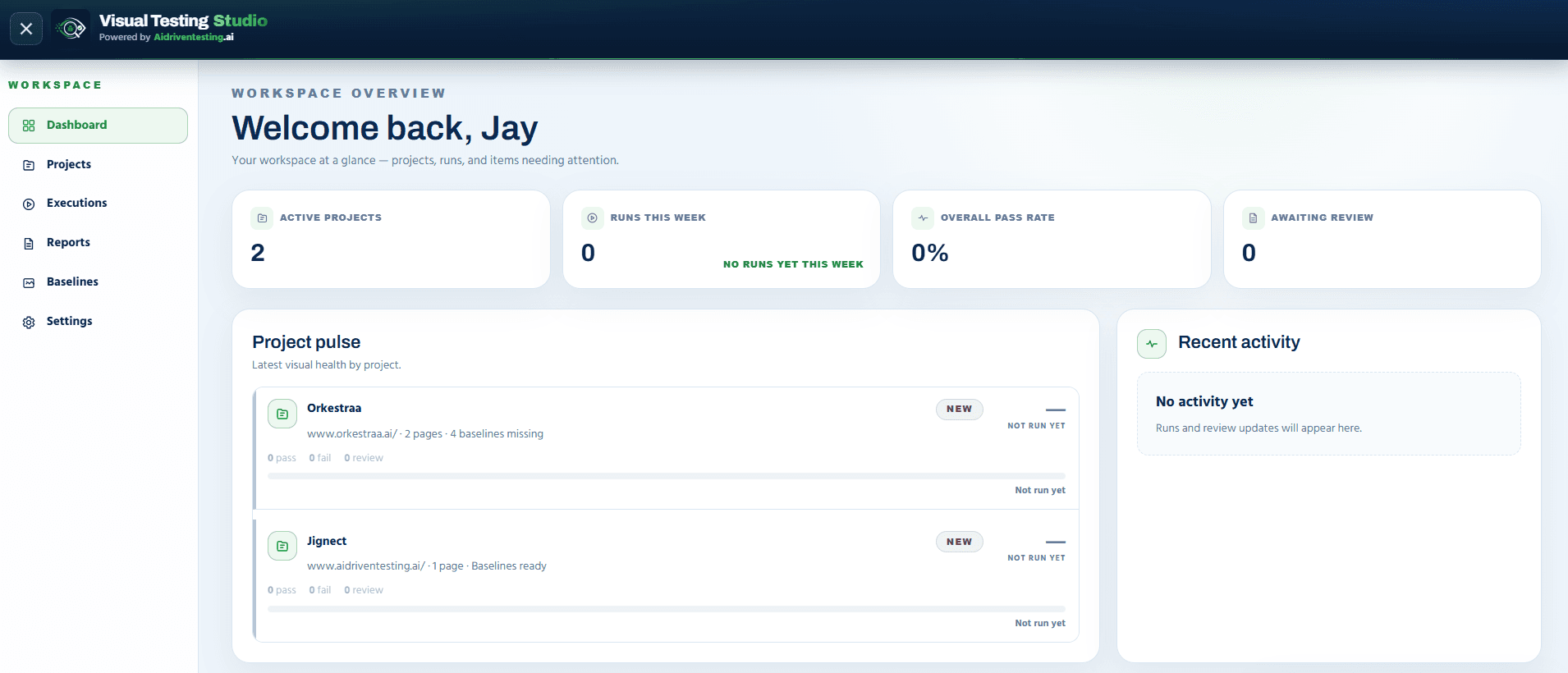
Define your pages, browsers and screen sizes once
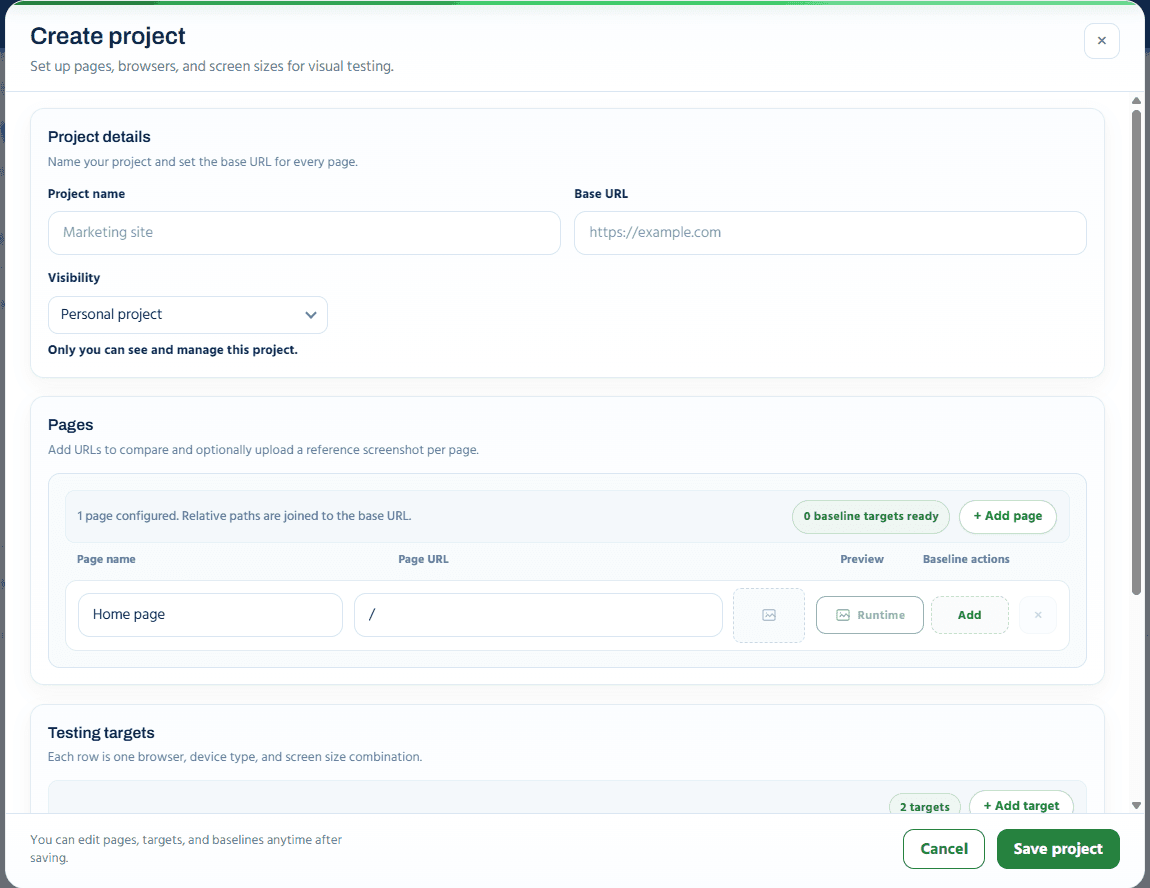
Set a project name and base URL, then add the pages you want to track. Each page can carry its own reference screenshot. Add testing targets, one row per browser, device and screen size combination, and tune comparison sensitivity for the whole project.
- Relative page paths are joined to a single base URL
- Any number of browser, device and screen-size targets
- Mismatch tolerance, anti-aliasing handling and ignore regions per project
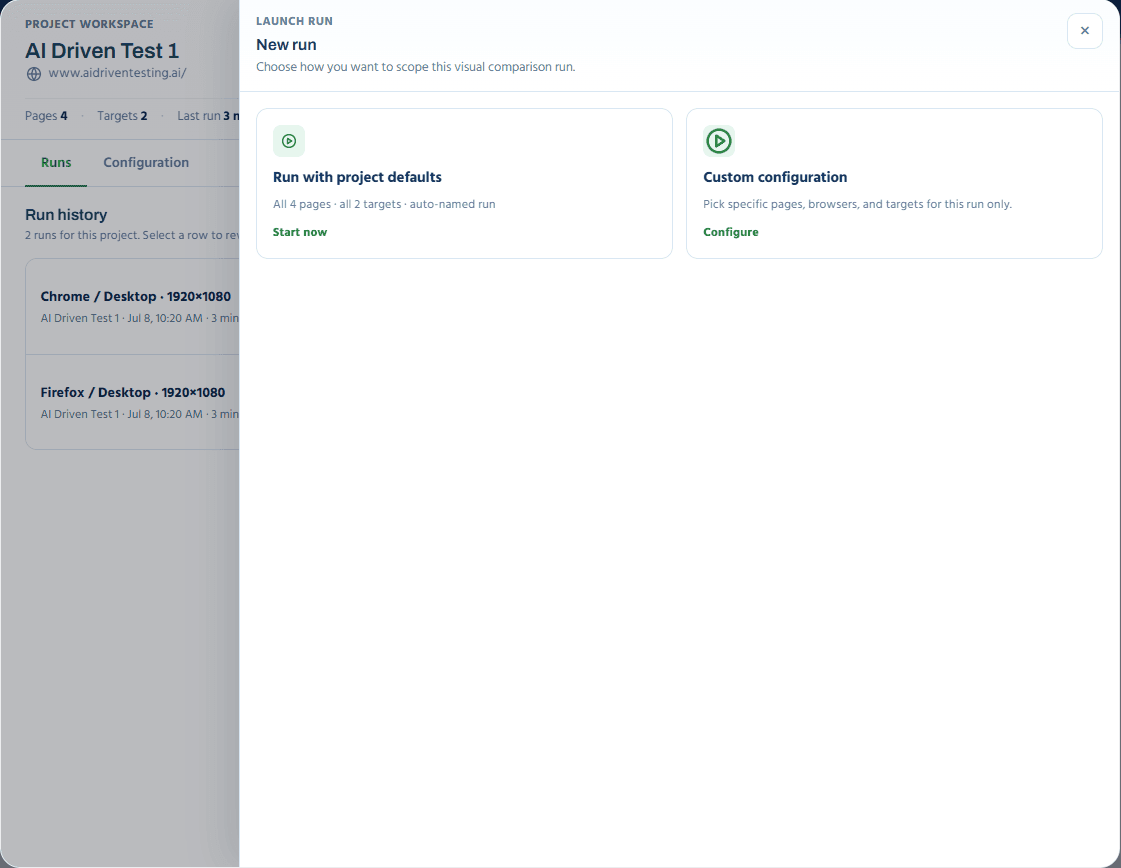
Run with defaults, or scope a custom comparison
Start a run with the project's full set of pages and targets in one click, or configure a custom run: name it, pick specific pages, browsers and targets, and see the exact comparison count before you launch.
- Run with project defaults launches instantly
- Custom configuration scopes pages, browsers and targets independently
- Live comparison count: pages × targets, before you start
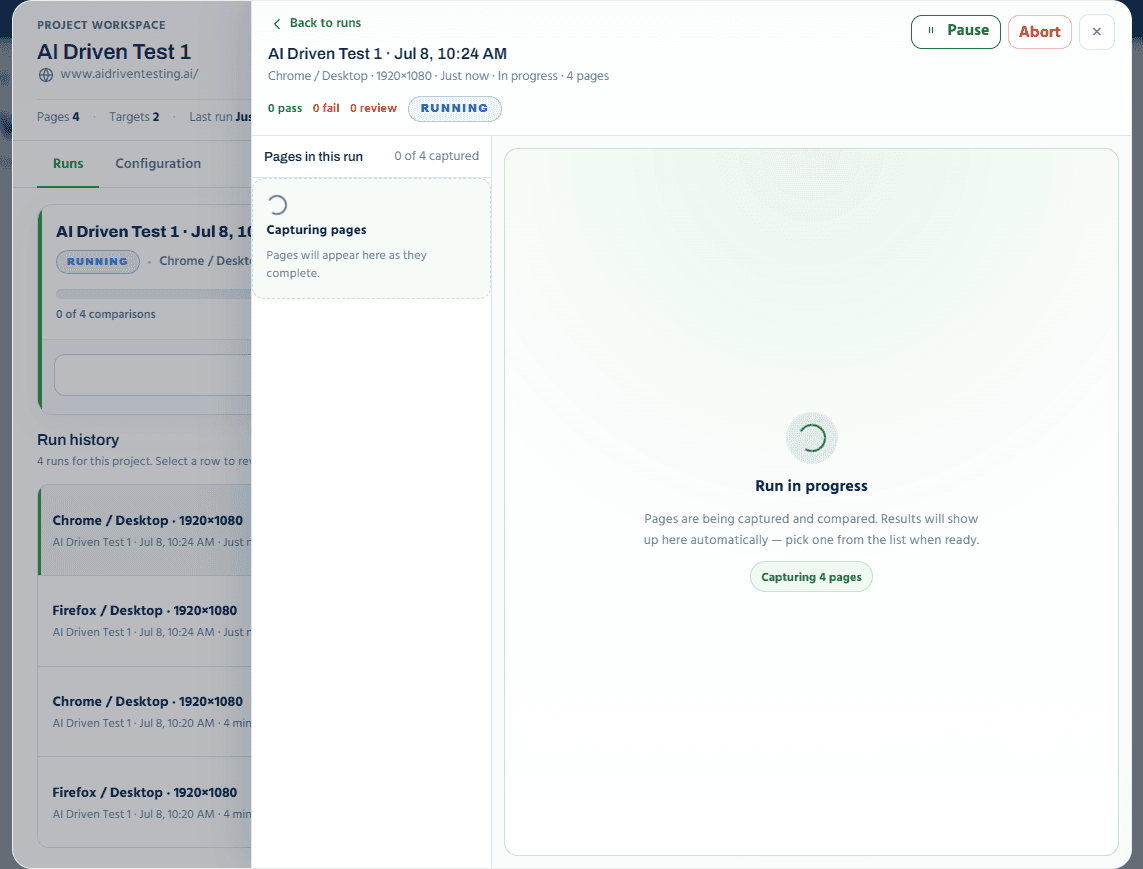
Live capture progress, page by page
Pages are captured and compared in real time. Watch the counter fill in as each page completes, pause the run if you need to, or abort it outright. No need to babysit the tab, results show up automatically as soon as they are ready.
- Real-time capture counter for the run in progress
- Pause or abort a run at any point
- Completed pages appear in the list as soon as they finish
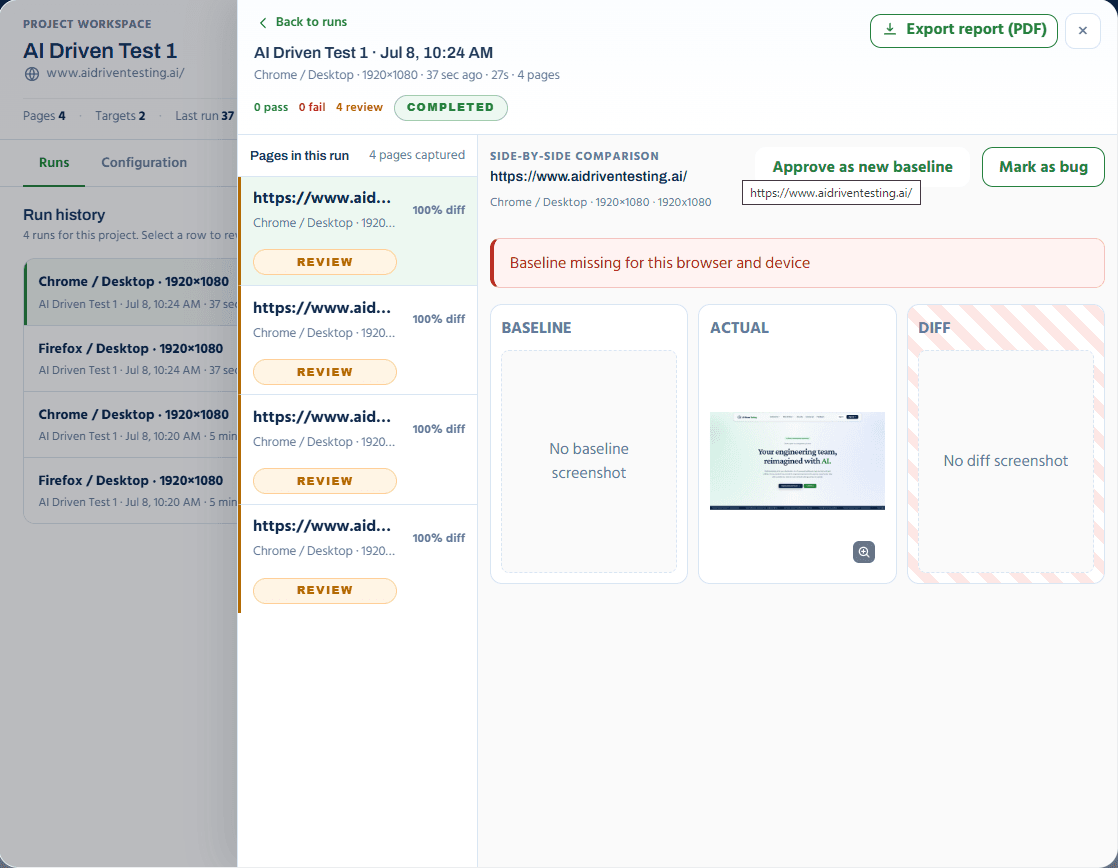
Baseline, actual and diff, side by side
Every captured page shows its diff percentage and a review status. Open any page for a full side-by-side comparison, then approve the new screenshot as the baseline or mark it as a bug if the regression is real.
- Baseline, actual and diff panels shown together
- Approve as new baseline updates the reference in one click
- Mark as bug flags the page for your team to follow up
- Export the full run as a PDF report
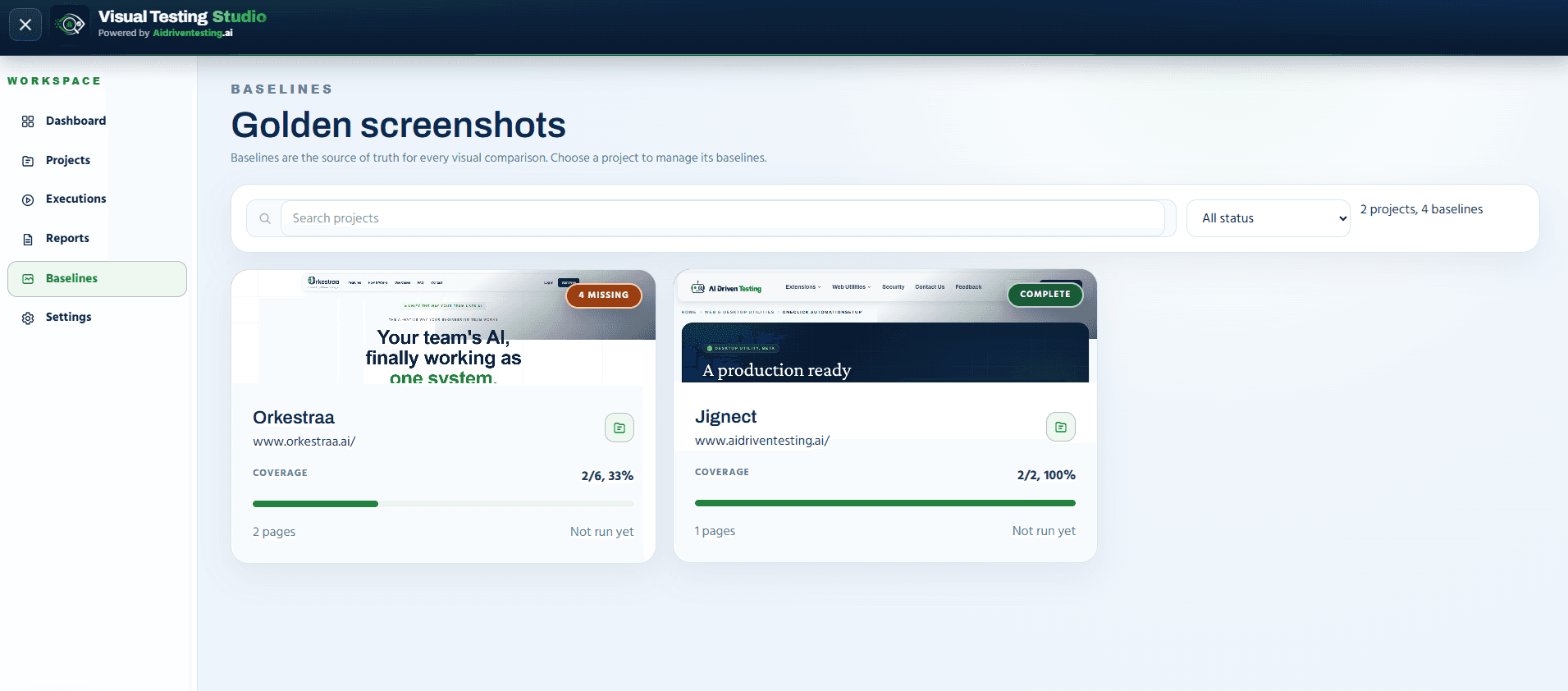
Baseline coverage, tracked per project
The Baselines view shows every project's reference screenshot coverage at a glance, so you always know which browser and target combinations are missing a baseline before you rely on a run's results.
- Coverage percentage per project across all targets
- Missing-baseline projects flagged clearly, before you run
- Jump straight into a project to fill in the gaps
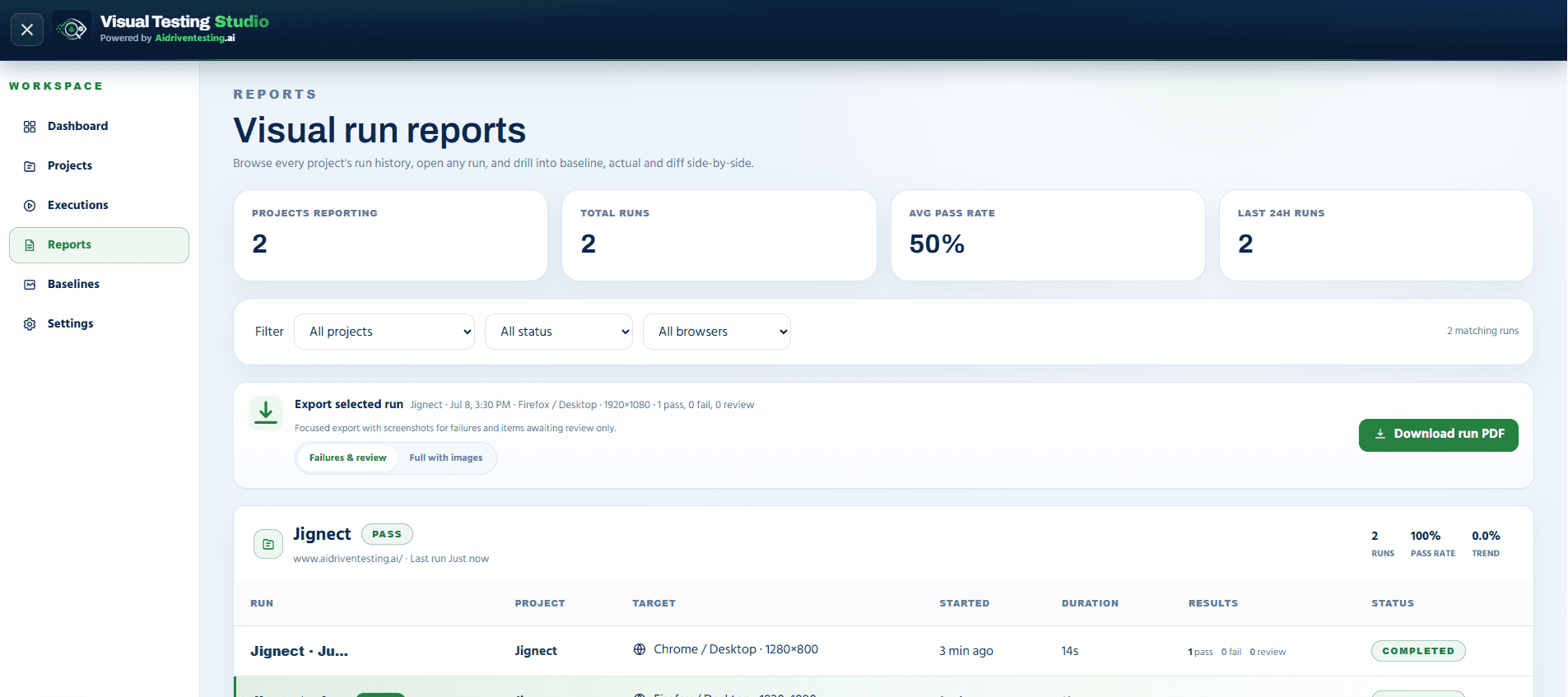
Every run, reported and exportable
Filter run history by project, status or browser, then export exactly what you need: a focused PDF with failures and items awaiting review, or a full report with every captured screenshot.
- Workspace-wide run count, average pass rate and 24-hour activity
- Filter by project, status or browser
- Export failures and review items only, or the full run with images
Full visual regression coverage, without the setup
Visual Testing Studio replaces manual before/after screenshot comparisons with a structured, project-based workflow your whole team can run and review.
Multi-browser, multi-device coverage
Add as many browser, device and screen-size combinations as your project needs, each one is its own testing target.
Adjustable diff sensitivity
Tune mismatch tolerance, anti-aliasing handling and CSS-selector ignore regions globally or per project.
One-click baseline approval
When a change is intentional, approve the new screenshot as the baseline directly from the review screen.
Mark as bug
When a diff is a real regression, flag it as a bug straight from the comparison view for your team to triage.
CI-ready with API keys
Generate an API key from workspace settings to trigger visual runs directly from your CI pipeline.
Slack and email notifications
Deliver run results and review pings to an email list or a Slack webhook, with an option to notify only on fail or review.
Everything Visual Testing Studio manages for you
From project setup to a shareable, exportable report.
- Base URL and pages
- Testing targets (browser/device/size)
- Per-project comparison settings
- Personal or team visibility
- Project defaults or custom scope
- Live capture progress
- Pause and abort controls
- Full run history per project
- Coverage percentage per project
- Missing-baseline flags
- One-click approve as baseline
- Reference screenshot per page
- Pass, fail and review counts
- Filter by project, status or browser
- Failures & review or full PDF export
- Workspace-wide pass-rate trend
- Mismatch tolerance (%)
- Anti-aliasing handling
- Ignore regions by CSS selector
- Reusable viewport presets
- Email and Slack notifications
- API keys for CI runs
- Team members and roles
- Invite teammates
Quick answers
Common questions from QA teams evaluating Visual Testing Studio.
Never ship a broken layout again.
Visual Testing Studio is in development. Join the waitlist and we'll notify you the moment it's ready to run your first visual regression suite.
- Projects with pages, browsers and screen sizes
- One-click runs with live capture progress
- Baseline, actual and diff review, side by side
- Approve-as-baseline and mark-as-bug workflow
- PDF reports and CI-ready API keys